
Tracking that connects the dots
Connect traffic sources, landing pages and offers. Carry click IDs through your funnel and match conversions to their original visits.
Documentation ↗SELF-HOSTED AD TRACKING
Connect campaign clicks, S2S conversions, ad costs and ROI. Nevect is a self-hosted affiliate marketing tracker for media buyers who want to understand their campaigns and control where traffic goes.
For affiliates and small media buying teams comfortable managing a server. Hosting is separate from your license.
BUILT AROUND YOUR WORKFLOW
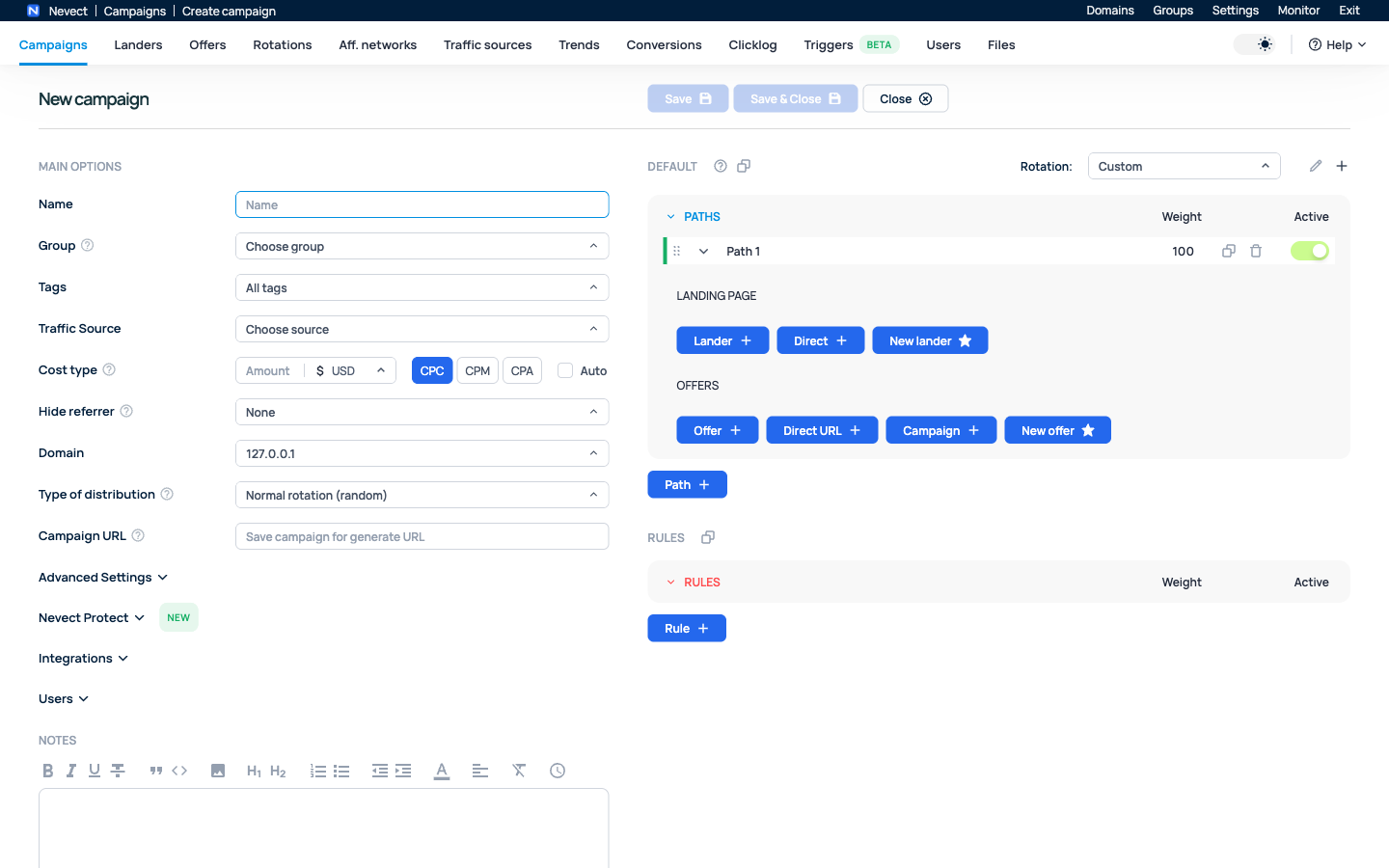
Build campaigns, connect your conversion data and find the segments that deserve your attention.
Connect traffic sources, landing pages and offers. Carry click IDs through your funnel and match conversions to their original visits.
Documentation ↗Compare cost, revenue and ROI. Explore campaign segments, filter results and keep the columns that matter to your workflow.
Documentation ↗Create paths, adjust weights and apply conditions. Keep traffic distribution close to the data you use to optimize.
Documentation ↗Give each user the access they need. Manage your tracking setup and installation licenses from clearly defined workspaces.
Documentation ↗Choose an advertising tracking platform around your campaign workflow and the setup you can maintain.
Follow visits from a traffic source to a lander or offer, then connect the results to campaign decisions.
Nevect runs on a dedicated Ubuntu server. Your license and your server are separate parts of the setup.
Check your Ubuntu server, create your Nevect account and run the two commands copied from it.
Install Nevect ↗Bind the server’s Tracker ID, apply an available license term and configure your tracking domain.
Bind and activate ↗Create one simple campaign. Check the click, returned conversion, cost and payout before buying traffic.
Verify clicks and conversions ↗Compare hosting responsibilities, conversion tracking, reports and license terms. Use a practical checklist to decide whether Nevect fits your campaigns.
Yes. Nevect is self-hosted. Use a dedicated Ubuntu 22.04 or 24.04 x86_64 server with root access. The installation guide explains the prerequisites.
Create your account, install Nevect and bind the reported Tracker ID. Apply an available license term to the installation.
No. Apply a new term to your existing binding from your account. Check the resulting expiry after activation.
Read the step-by-step documentation or contact Nevect support on Telegram with your version, Tracker ID and the exact error.
NEVECT
Start with a clear setup and a workflow you can build on.